The Alerts tab shows open incidents in a flat view, by server, or by entity (database).
Figure 1. Alerts Tab Example
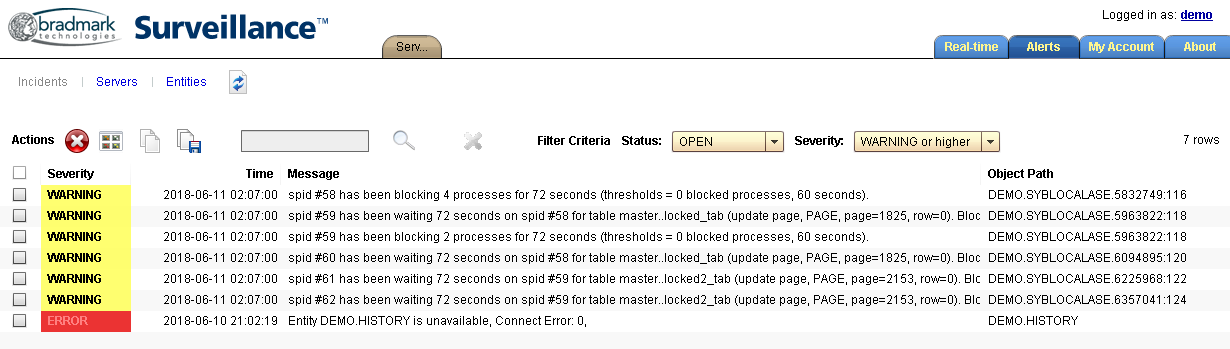
Alerts can be filtered by status or severity. You can search for text within alerts.
The Alerts toolbar provides buttons for closing incidents, exporting alerts, or jumping directly to a real-time window associated with the alert, for further investigation.
Alerts Toolbar
| Icon | Action |
|---|---|

|
Closes the selected incidents. |

|
Opens the real-time window associated with the selected alert. |

|
Copies the selected alerts to the OS clipboard. |

|
Saves the alerts to a comma-delimited (CSV) file, or spreadsheet. |

|
Searches the alerts for the text specified in the field to the left of the icon. |
|
|
Cancels the current search results. |